Visual CSS editor for Chrome
Edit live styles where you can see the result.
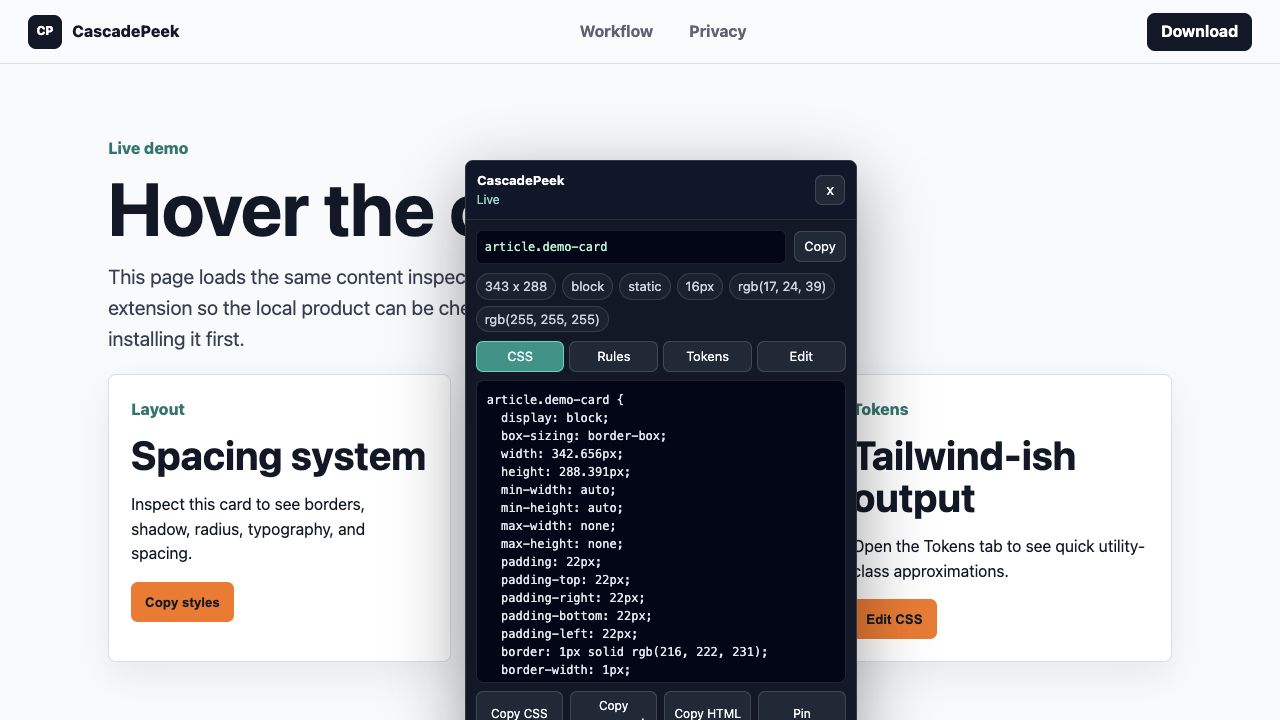
Use CascadePeek Pro to inspect an element, adjust CSS declarations directly on the page, reset changes, and copy the final snippet into your codebase.
TaskDevTools pathCascadePeek path
Find the relevant elementOpen Elements and inspect the treeHover the element on the page
Try a style changeEdit declarations in the Styles paneEdit in the CascadePeek Pro tab
Reset experimentsUndo or reloadUse Reset inline
Copy the useful resultClean output manuallyCopy focused CSS or component bundle