Measured from Chrome
DESIGN.md copy samples visible DOM nodes and computed styles, not a screenshot guess.
DESIGN.md extractor
CascadePeek Pro turns the page you are inspecting into a Markdown design context with YAML tokens, measured visual rules, CSS variables, and an agent prompt for Cursor, Claude Code, Codex, v0, Lovable, or Bolt.
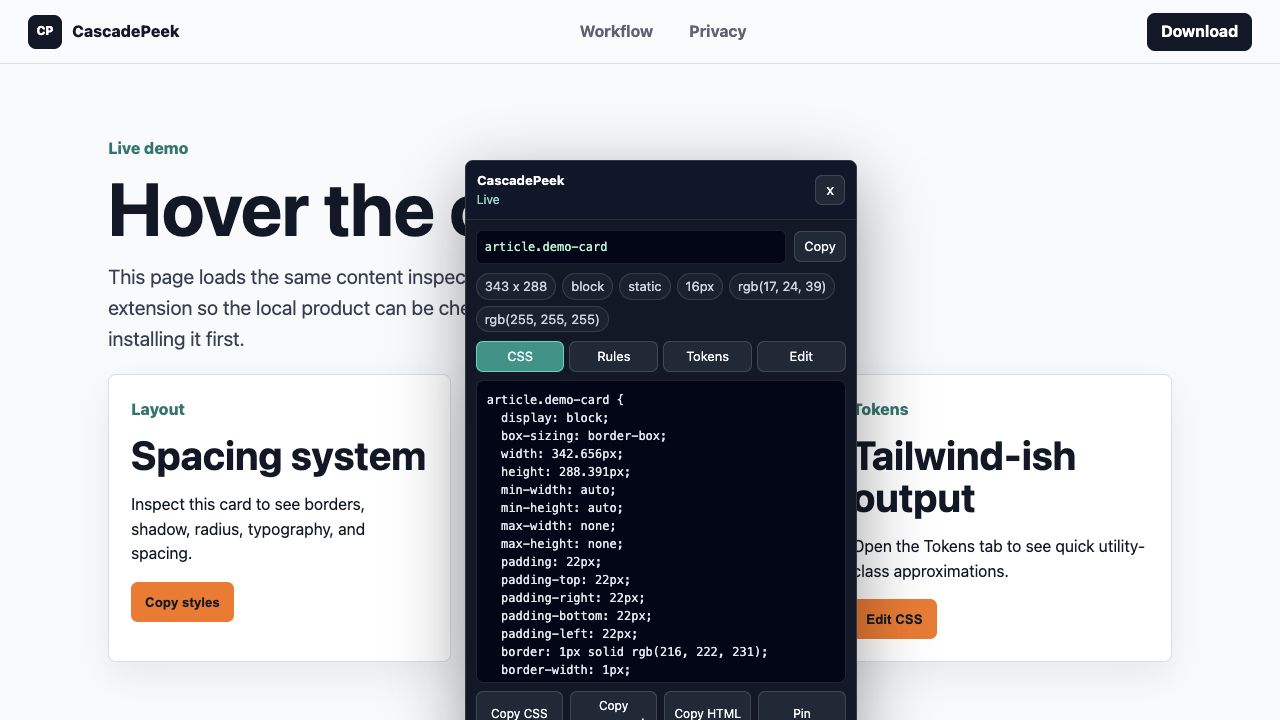
DESIGN.md copy samples visible DOM nodes and computed styles, not a screenshot guess.
Paste it into `DESIGN.md`, `AGENTS.md`, `.cursor/rules/design.mdc`, or your preferred repo context file.
Colors, backgrounds, font families, type sizes, weights, spacing, gaps, radii, shadows, and CSS custom properties are summarized.
See a sample DESIGN.md before you buy Pro.
Use measured styles as implementation guidance for original work. Do not copy trademarks, protected assets, brand identity, or proprietary content.
Copy DESIGN.md for page-level context, then copy an element-level AI prompt for the exact component you want to rebuild.
Because CascadePeek runs in your browser, it can inspect normal authenticated pages where a URL-only extractor cannot see the UI.
DESIGN.md copy is included in CascadePeek Pro Lifetime with design briefs, component bundles, variables, editing, and authored rules.
DesignMD alternative for Chrome-tab extraction and authenticated pages.
Design Extractor alternative when you want browser inspection plus DESIGN.md.
Design token extractor for colors, type, spacing, radii, shadows, and variables.
CascadePeek Pro is a $19 lifetime launch license.