For Cursor
Paste the copied context into a project rule such as `.cursor/rules/design.mdc`, then ask Cursor to follow the measured visual system.
Cursor design rules
CascadePeek Pro copies measured DESIGN.md context from the active Chrome tab so you can paste it into Cursor project rules, `CLAUDE.md`, `AGENTS.md`, or any coding-agent context file.
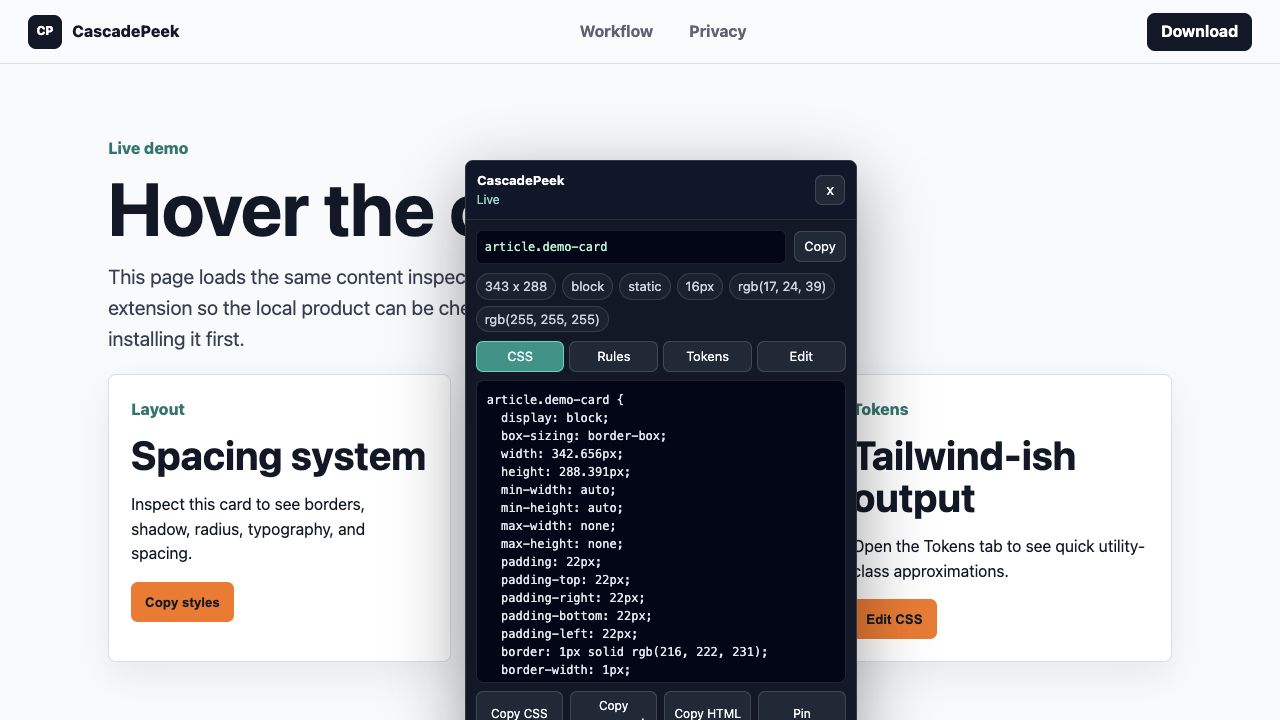
Paste the copied context into a project rule such as `.cursor/rules/design.mdc`, then ask Cursor to follow the measured visual system.
Paste the same context into `CLAUDE.md` when you want Claude Code to remember page-level design rules for the project.
Use `AGENTS.md` or a repo-level design note so your coding agent has colors, type, spacing, radius, shadows, and variables.
Because extraction runs in Chrome, CascadePeek can inspect normal authenticated dashboards and staging apps after you start the extension.
Preview the generated DESIGN.md before buying Pro.
Learn the full DESIGN.md workflow for Chrome-tab inspection.
Copy element-level CSS and HTML when you need a smaller prompt.
CascadePeek Pro is a $19 lifetime launch license.